AI technology has completely transformed how we edit and enhance images. Instead of spending hours on complex software, you can now achieve professional-looking results online with a few clicks. But when searching for the best AI image editor, it’s not just about the number of features—it’s about how well the tool matches your specific tasks and workflow.
For most users, the ideal AI editor is both flexible and efficient, allowing you to handle everyday edits, creative enhancements, or more advanced tasks without juggling multiple tools. ImageEditor combines an accessible homepage editing interface, specialized AI models, and a watermark removal page, making it a versatile choice for a wide range of scenarios. Its flexibility is an advantage, but because you need to actively input prompts to achieve precise results, it can be challenging for beginners.
What Does “Best AI Image Editor” Really Mean in 2026
The phrase “best AI image editor” isn’t universal. Different users have different goals, and the best tool depends on your intended tasks. Some editors excel at enhancing low-quality images, others at creative prompt-based generation, while some focus on quick adjustments like background removal or retouching.
A tool is considered “best” if it reliably delivers high-quality results, fits into your workflow, and addresses your most common use cases. Understanding this helps you avoid trial-and-error and ensures that you choose a platform that saves time while producing the results you want.
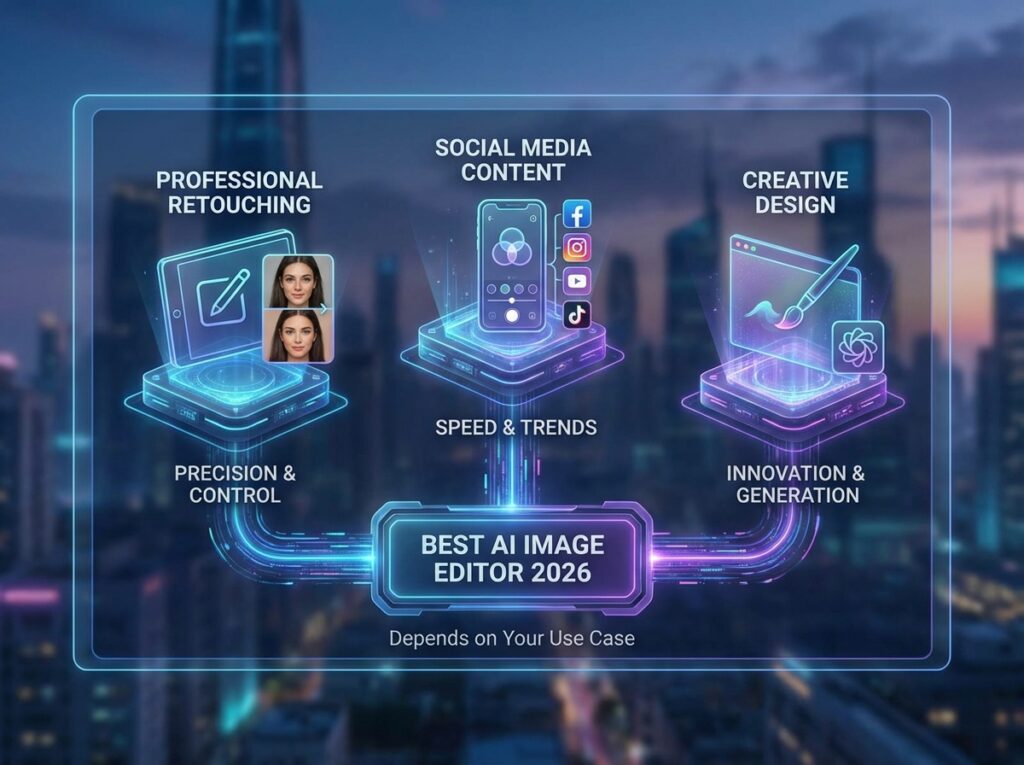
Why the Best AI Image Editor Depends on Your Use Case
Users look for a best AI image editor for very different reasons. A small business owner may need to prepare product images quickly for an online store. A blogger might want to enhance images for articles or social media. Casual users might simply want to touch up old photos.
In these scenarios, ImageEditor provides the right mix of tools: the homepage interface is great for general editing, the eight AI models allow for targeted enhancements such as color correction, upscaling, or style changes, and the watermark removal page simplifies cleanup tasks. The trade-off is that its flexibility requires users to actively provide prompts, which may take some practice to master.
Different Editing Needs Require Different AI Image Editors
No single AI editor works best for every task. For example, if you want creative prompt experimentation or custom styles, VisualGPT may be more suitable. For general enhancements—like improving a blurry image, correcting colors, or removing backgrounds—ImageEditor provides more straightforward options with multiple models.
For instance, if you need to upscale a low-resolution product photo, ImageEditor can automatically enhance sharpness and color. If you want to create a stylized illustration from a text prompt, VisualGPT offers finer control over the output. Understanding these differences ensures that you choose the best AI image editor for each scenario.
Common Scenarios Where Users Search for the Best AI Image Editor
Typical situations include:
- Enhancing old or low-resolution photos from smartphones or cameras
- Removing backgrounds or watermarks for marketing, e-commerce, or social media
- Generating images for blogs, landing pages, or presentations
- Quick edits without learning complex software
Because ImageEditor combines a flexible homepage editor, specialized AI models, and a watermark removal page, it can handle almost all of these scenarios efficiently. Beginners may need guidance to get the most out of prompts, but once understood, the flexibility allows users to accomplish a wide range of editing tasks in one platform.
Best AI Image Editor for Different Use Cases
Once your goals are clear, you can match them to the best AI image editor for each task. Different editors are better suited for different scenarios, and knowing which tool fits ensures faster, high-quality results.
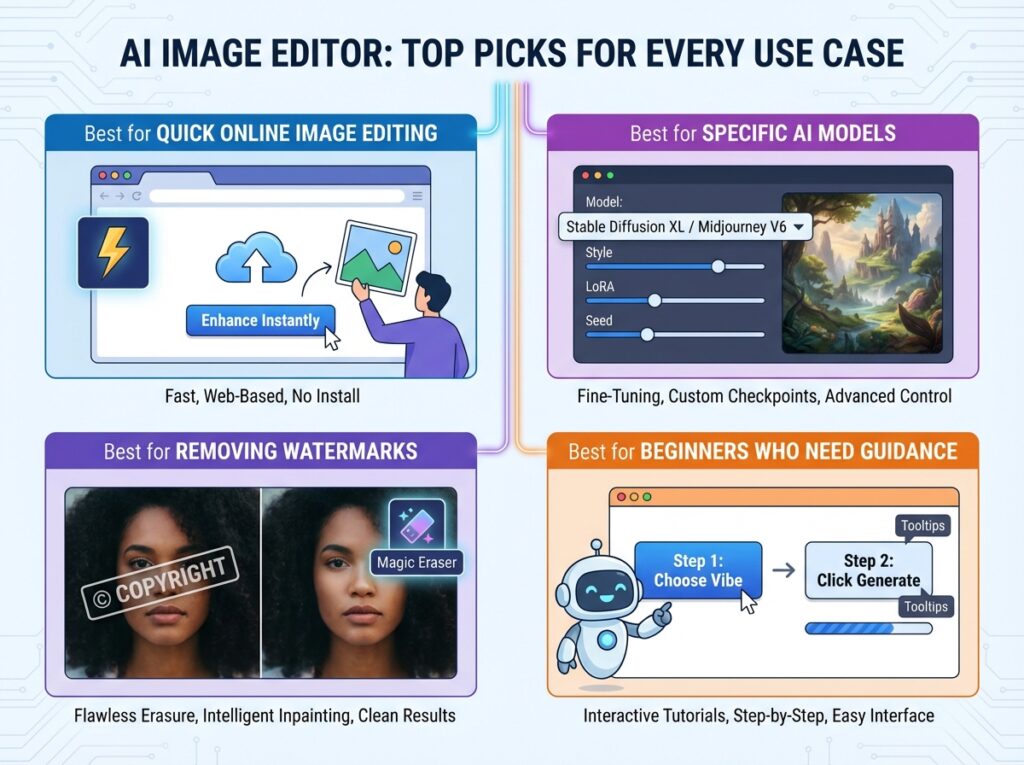
Best AI Image Editor for Quick Online Image Editing
If you need fast, reliable online edits, ImageEditor’s homepage functionality is ideal. Upload a photo, apply AI enhancements, and download a polished result in minutes. Perfect for social media graphics, blog visuals, or small product images.
Best AI Image Editor for Specific AI Models
ImageEditor offers eight AI models, each designed for a specific purpose such as upscaling, color enhancement, or style transfer. Users can pick the model that matches their task, which makes the platform flexible—but also requires them to actively input prompts for best results.
Best AI Image Editor for Removing Watermarks
For e-commerce or marketing, the watermark removal page allows users to cleanly remove unwanted elements. This saves time and ensures a professional look for product photos, ads, or social media images.
Best AI Image Editor for Beginners Who Need Guidance
While ImageEditor is versatile, beginners seeking creative outputs may benefit from VisualGPT, which allows prompt-based style experimentation. For standard daily edits, ImageEditor remains faster and simpler, but VisualGPT is a strong complement for advanced creative needs.
Top AI Image Editor Options Considered the Best in 2026
Choosing the best AI image editor in 2026 doesn’t mean picking a single tool. Different editors excel in different areas, depending on whether you prioritize speed, creative control, template convenience, or lightweight workflows. Below are the top options currently leading the market, along with their strengths and ideal use cases.
ImageEditor – Best AI Image Editor for Flexible Editing Across Models
ImageEditor is a versatile platform that combines a homepage editing interface, eight AI models, and a dedicated watermark removal page. Its flexibility makes it suitable for almost any task—from quick adjustments to more specialized edits like upscaling or style transfer.
For example, if you are a blogger who needs to enhance images for an article, you can quickly choose the appropriate model, apply the AI enhancement, and download a polished image in minutes. Similarly, marketers preparing product images can remove backgrounds or fine-tune colors efficiently. Its flexibility is a double-edged sword: beginners need to input prompts thoughtfully to get the desired result, but the payoff is unmatched control over different editing scenarios.
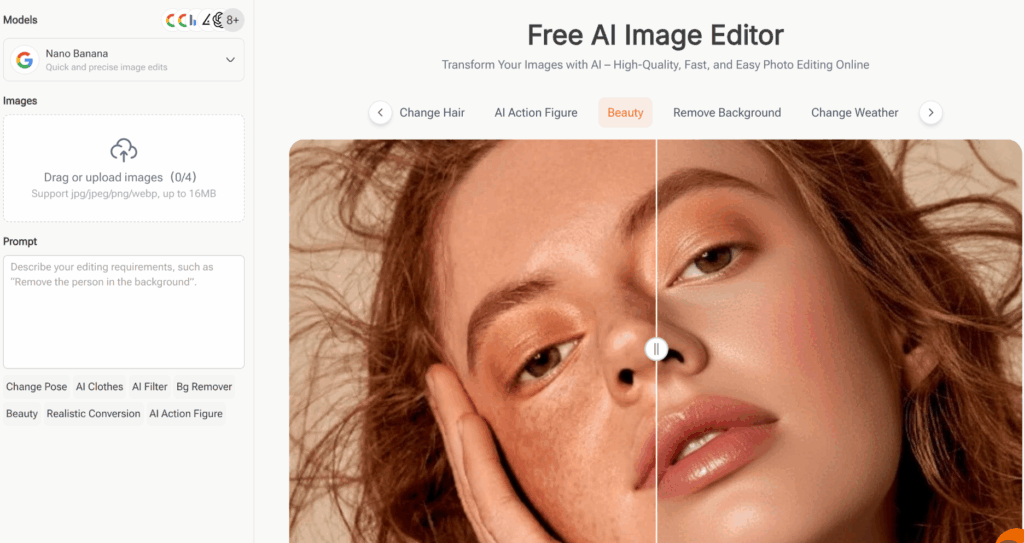
VisualGPT – Best AI Image Editor for Advanced Creative Prompts
For users who want full creative control over style, composition, and prompt-driven generation, VisualGPT is an excellent option. It allows you to experiment with custom AI prompts, making it ideal for generating concept art, unique illustrations, or stylized graphics.
VisualGPT complements ImageEditor perfectly: while ImageEditor handles practical edits quickly, VisualGPT shines when you want to push creative boundaries. For instance, an illustrator might use it to generate multiple versions of a character design, then refine the final image in ImageEditor.
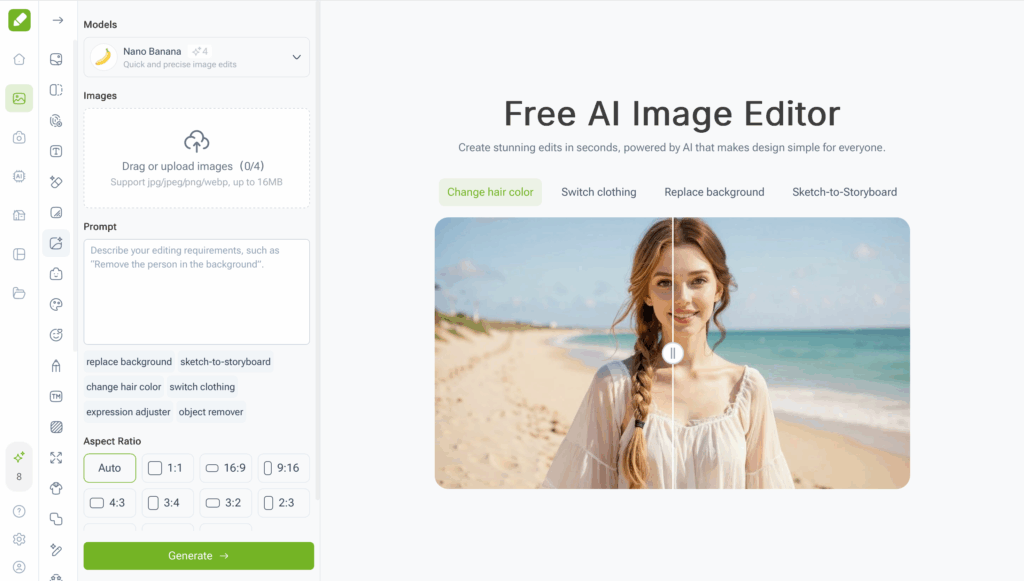
Fotor AI Image Editor – Best AI Image Editor for Quick Templates and Social Media Assets
Fotor is perfect for users who prioritize speed and convenience. It offers pre-designed templates and AI-powered tools that simplify content creation for social media, marketing posts, and blog graphics.
For example, if you need a promotional banner for Instagram, Fotor allows you to quickly generate a polished image using a template and AI adjustments. While it doesn’t offer the same depth as ImageEditor or VisualGPT, its straightforward interface makes it ideal for users who need fast, high-quality visuals without diving into detailed prompt crafting.
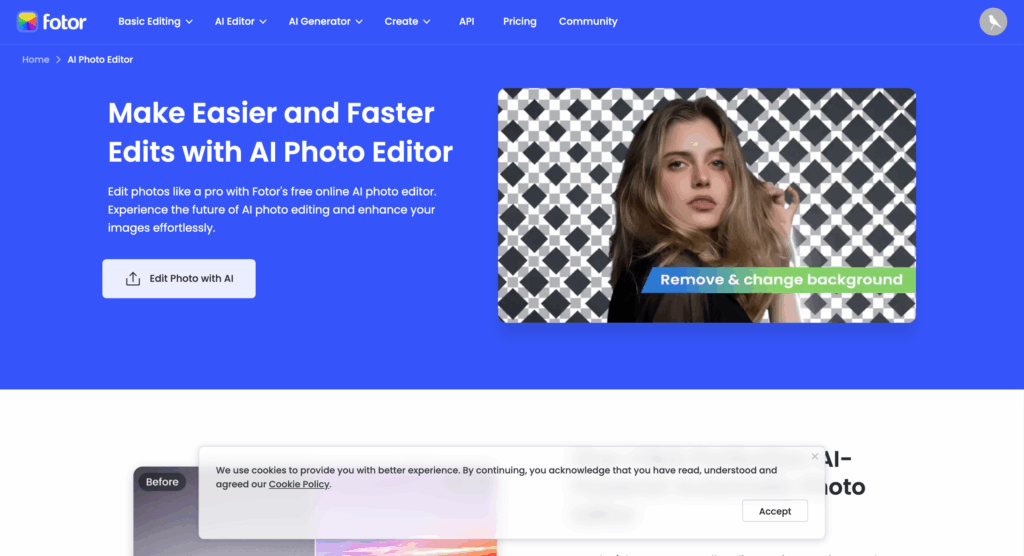
Canva AI Image Editor – Best AI Image Editor for Lightweight Design Workflows
Canva combines traditional drag-and-drop design with AI image editing, making it ideal for lightweight design taskssuch as posters, presentations, and social media graphics. Its AI tools help enhance images, remove backgrounds, and adjust colors automatically.
For instance, a small business owner preparing a Facebook ad can quickly edit product photos, enhance visuals, and integrate them into a pre-designed layout. Canva’s strength lies in ease of use and fast output, but it is less flexible for advanced AI editing compared to ImageEditor or VisualGPT.
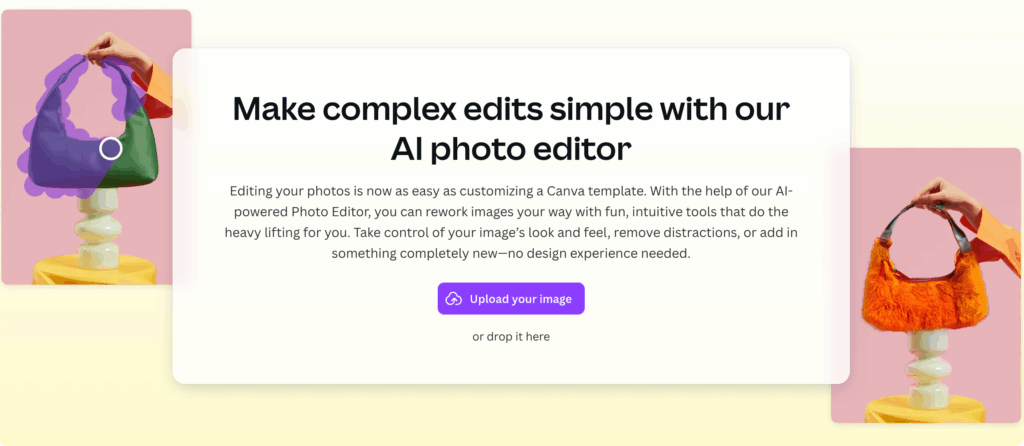
How to Choose the Best AI Image Editor for Your Needs
Finding the best AI image editor isn’t just about picking the one with the most features. The right choice depends on your specific tasks, workflow, and comfort level with AI prompts. Before diving in, consider what you really need from an editor: speed, flexibility, creative control, or simplicity. Understanding your priorities will help you make a more informed decision and avoid wasting time on tools that don’t fit your workflow.
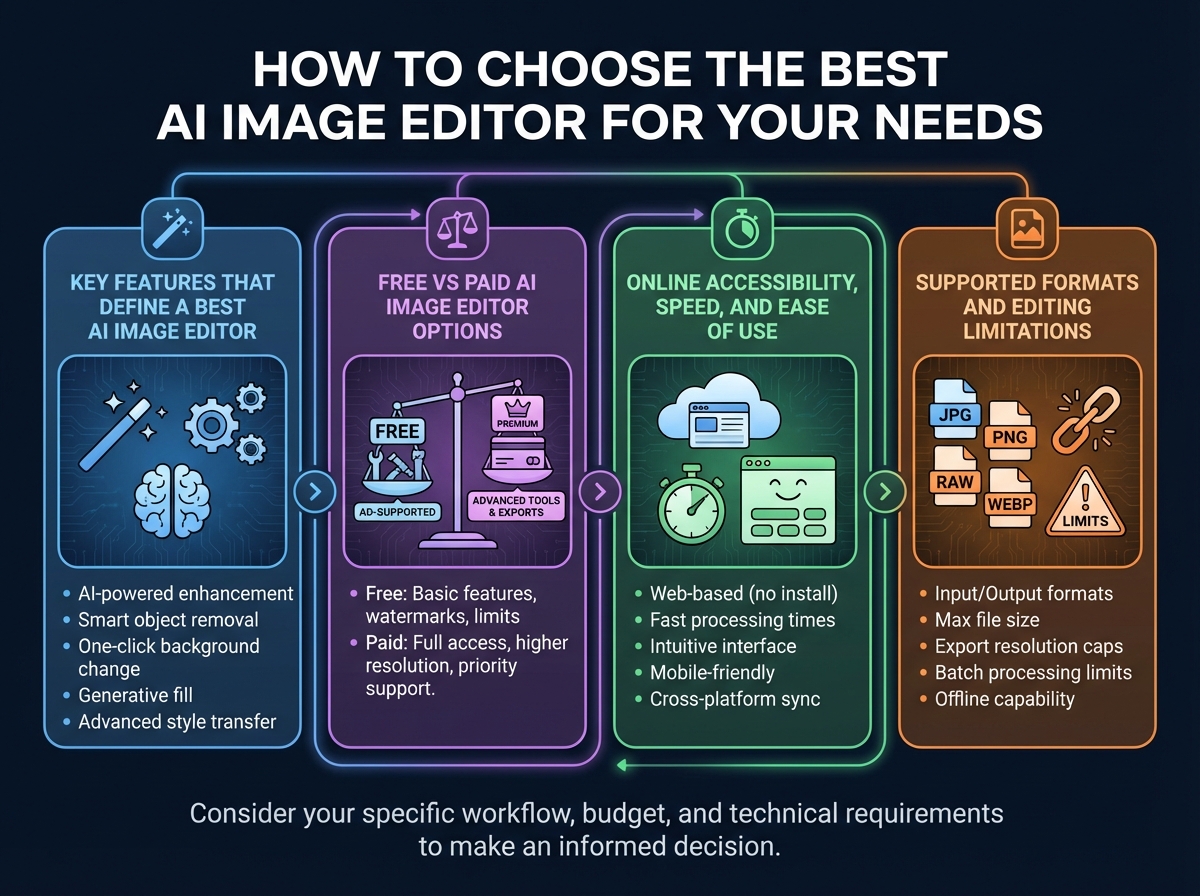
Key Features That Define a Best AI Image Editor
When evaluating an AI image editor, focus on the features that actually impact your editing experience. Key elements include:
AI enhancement models: Can the editor improve image quality, remove artifacts, or apply styles automatically?
Flexibility: Does the tool allow you to choose prompts, apply different AI models, or perform batch edits?
Post-editing options: Can you fine-tune images after AI processing?
Ease of use: Is the interface intuitive, even if the tool is powerful?
For example, ImageEditor offers a combination of homepage editing functions and eight AI model pages, giving users the flexibility to handle different tasks—from quick enhancements to specialized edits like style transfer or color adjustment. The trade-off is that achieving precise results may require actively entering prompts, especially for beginners.
Free vs Paid AI Image Editor Options
Many AI editors offer both free and paid plans. Free versions are great for casual users or small projects, but they often come with limitations like lower output resolution, watermarks, or restricted usage per day. Paid options typically unlock higher-quality outputs, faster processing, and access to more models.
For instance, ImageEditor provides a robust free tier suitable for testing and small edits, while paid options give more control over prompts, access to advanced models, and faster processing—helping professional users complete larger tasks efficiently.
Online Accessibility, Speed, and Ease of Use
A key advantage of modern AI editors is online accessibility. You can edit images directly in your browser without downloading software. Speed is also important—waiting several minutes for a single AI enhancement can slow down your workflow.
ImageEditor excels here, offering quick online edits and multiple models for different purposes. Even complex tasks, like removing a watermark or enhancing multiple images, can be completed efficiently. For beginners, this combination of speed and flexibility makes it easier to learn while still achieving professional-quality results.
Supported Formats and Editing Limitations
Before choosing an editor, check which file formats it supports and any limitations it imposes. Common restrictions include maximum file size, unsupported image types, or limits on batch processing.
ImageEditor supports the most common formats like JPG, PNG, and GIF, and its AI models can handle various image sizes. Understanding these limitations upfront ensures you pick a tool that fits your real-world needs.
Real-World Scenarios Where a Best AI Image Editor Saves Time
Once you’ve chosen the right AI editor, the next step is understanding how it can actually save time in daily tasks. The best AI image editor simplifies processes that would otherwise take hours, allowing you to focus on content creation and creativity rather than manual editing.
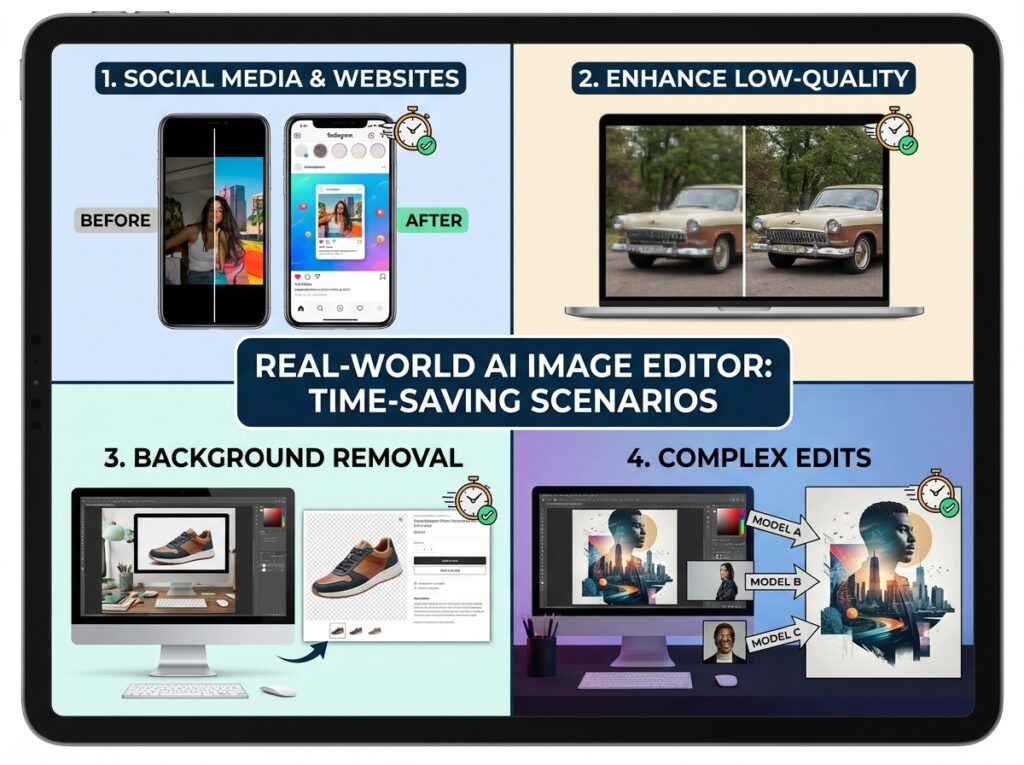
Editing Images for Social Media and Websites
Social media managers and bloggers often need to produce polished visuals quickly. The best AI image editor can automatically enhance colors, adjust lighting, and even crop images to the right dimensions. ImageEditor’s homepage functionality allows users to apply these enhancements instantly, making it ideal for keeping up with fast-paced content schedules.
Enhancing Low-Quality or Blurry Images Efficiently
Whether you’re working with old photos, screenshots, or compressed files, AI enhancement can restore clarity and detail. ImageEditor’s AI models sharpen edges, correct colors, and upscale low-resolution images with minimal effort. This is particularly useful for product images, user-generated content, or archival material where quality is critical.
Removing Backgrounds or Watermarks Without Manual Effort
Manual background removal can be tedious, but the best AI image editor handles it automatically. ImageEditor provides a dedicated watermark removal page, allowing marketers, e-commerce sellers, and content creators to prepare clean visuals quickly. This feature reduces editing time while maintaining high-quality output.
Combining Multiple Models for Complex Image Edits
Some projects require more than one enhancement, such as color correction, style adjustment, and background cleanup. The best AI image editor allows users to combine multiple models or apply sequential enhancements. ImageEditor’s eight AI model pages make this possible, giving users control over complex workflows while still saving significant time compared to manual editing.
Common Mistakes When Choosing a Best AI Image Editor
Even with so many AI editors available, users often make mistakes that reduce efficiency or lead to subpar results. Knowing what to avoid can save time and frustration.
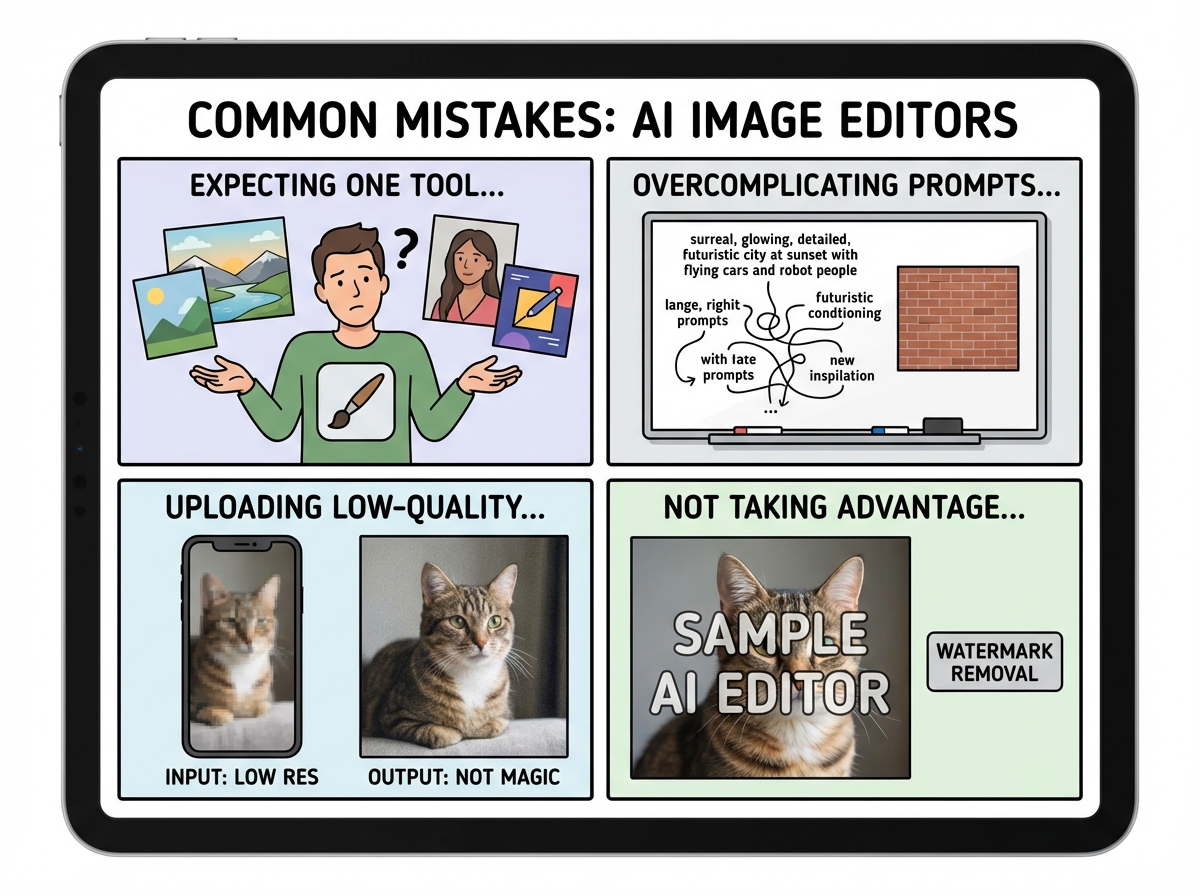
Expecting One Tool to Be Best for Every Scenario
No single AI image editor is perfect for every task. Some tools are better for creative prompts, others for quick enhancements, and some for template-based workflows. Relying on a single editor can limit your output. For instance, ImageEditor is excellent for fast online edits and multiple AI models, but for highly stylized illustrations, VisualGPT may be a better choice.
Overcomplicating Prompts or Ignoring Model Options
While flexible editors like ImageEditor offer multiple AI models, beginners often either enter overly complex prompts or skip exploring the models entirely. The best approach is to start simple, understand what each model does, and gradually refine prompts for optimal results. This helps you make the most of the tool’s flexibility without wasting time.
Uploading Low-Quality Images and Expecting Perfect Output
Even the best AI image editor has limits. Uploading low-resolution, blurry, or compressed images can affect the final result. ImageEditor can enhance and upscale images, but starting with the highest quality original will give you the best possible outcome.
Not Taking Advantage of Watermark Removal or Post-Editing Features
Some users forget that ImageEditor provides dedicated tools like watermark removal or post-editing adjustments. Skipping these features can mean extra manual work or lower-quality images. Learning how to combine models and use post-editing effectively maximizes efficiency and results.
Conclusion: How to Find the Best AI Image Editor for You
Choosing the best AI image editor requires balancing flexibility, speed, and your specific needs. By understanding your goals—whether fast online edits, creative experimentation, or professional-quality enhancements—you can pick a tool that fits your workflow.
ImageEditor stands out in 2026 for its flexible homepage, multiple AI models, and watermark removal capabilities. It is ideal for users who want a comprehensive online editor that handles a wide range of tasks. For advanced creative prompts, VisualGPT complements it perfectly, while Fotor and Canva are excellent for quick templates and lightweight workflows.
The key to success is matching the editor to your use case, exploring available features, and learning how to use AI prompts effectively. With the right AI image editor, you can save time, enhance image quality, and focus on your creative work without getting bogged down in manual editing.