Image
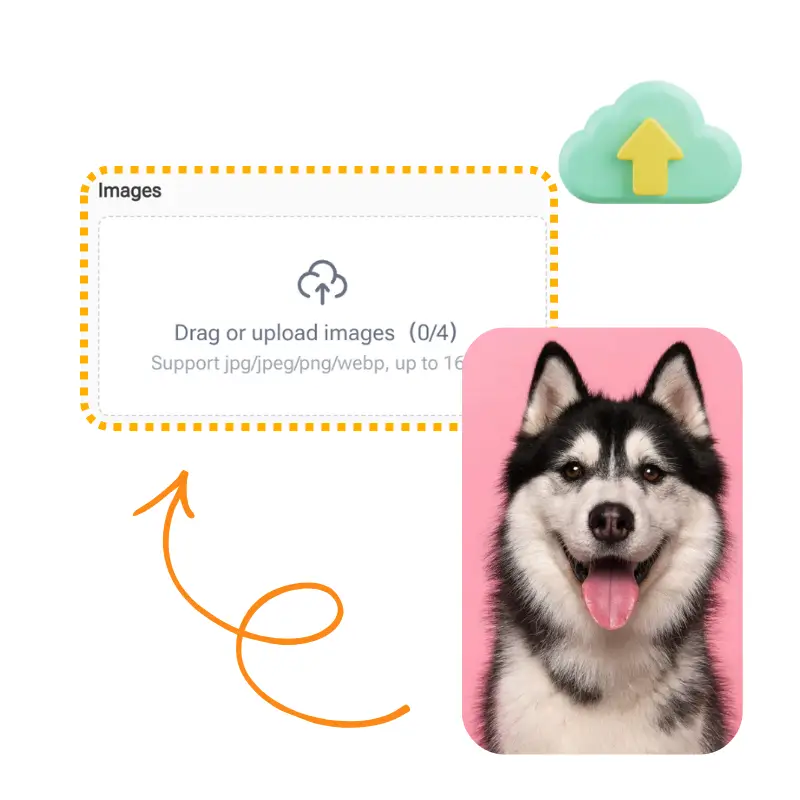
Drag or upload image

Support jpg/jpeg/png/webp, up to 16MB

Free AI Photo to Sketch Converter

AI Photo to Sketch Converter turns photos into realistic drawings instantly. Free, online, and no sign-up.

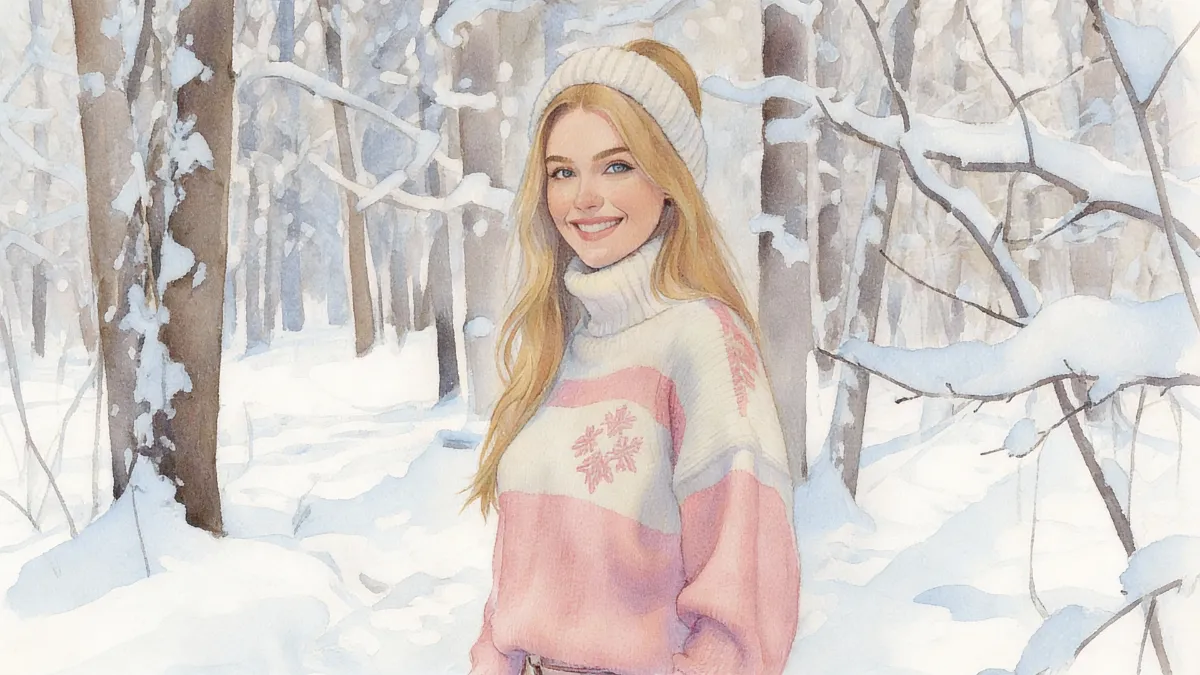
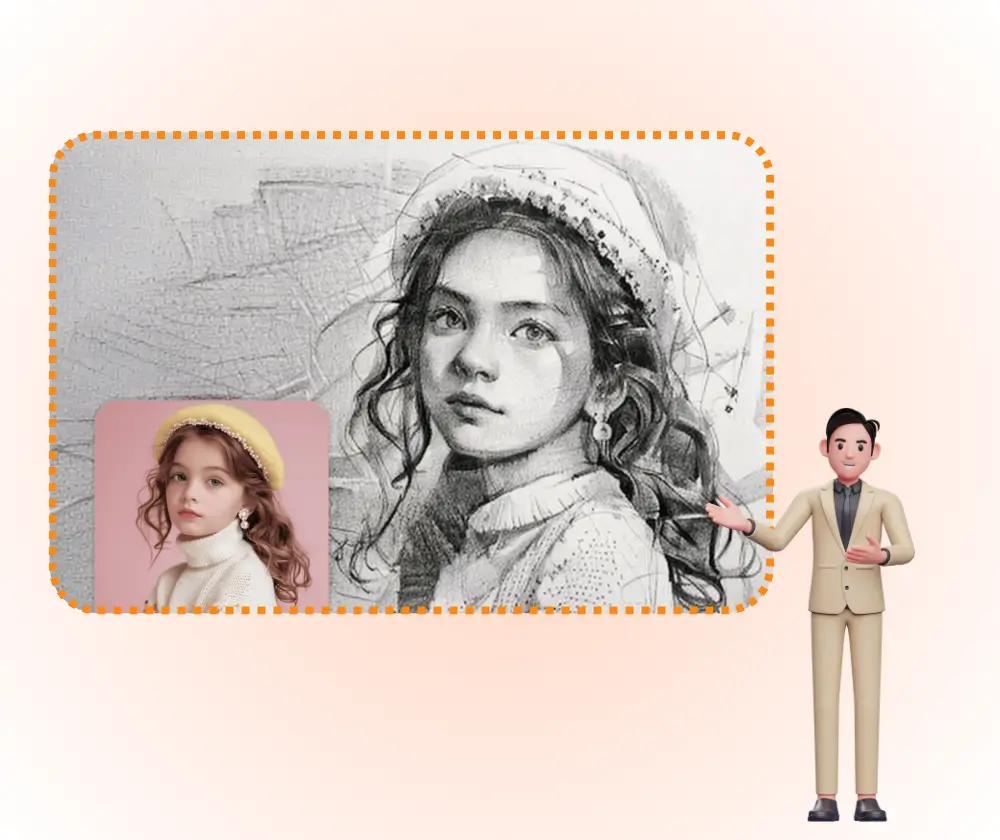
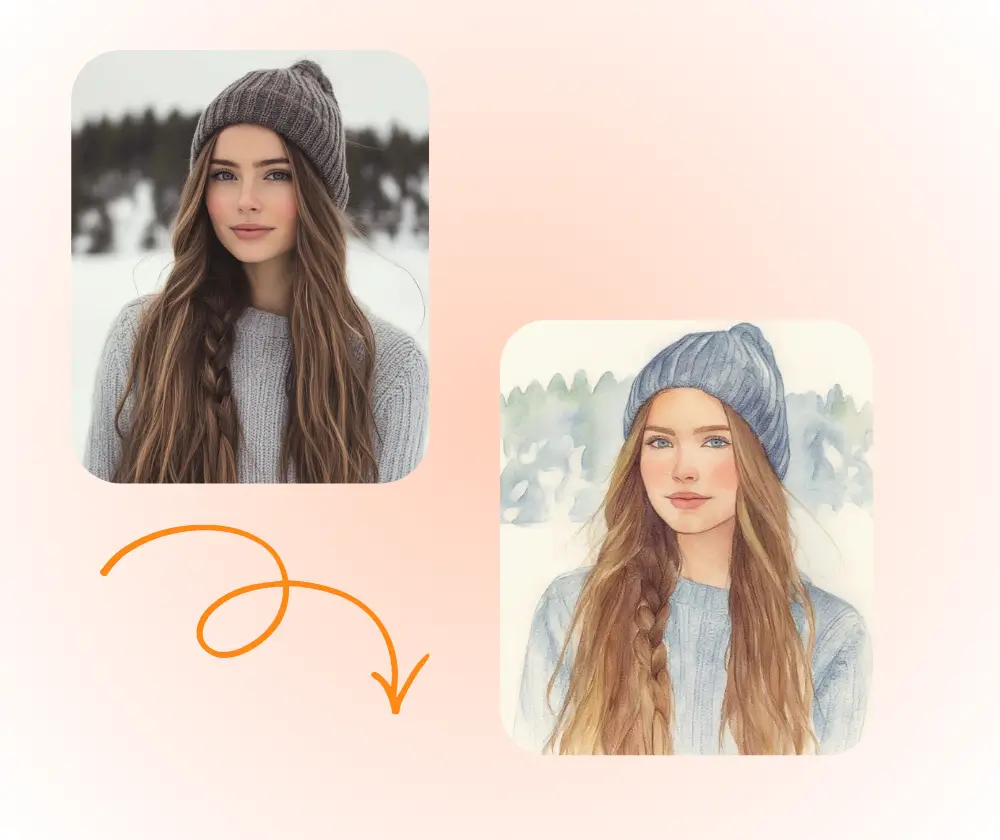
AI Photo to Sketch Converter Sample: Pencil Sketch after
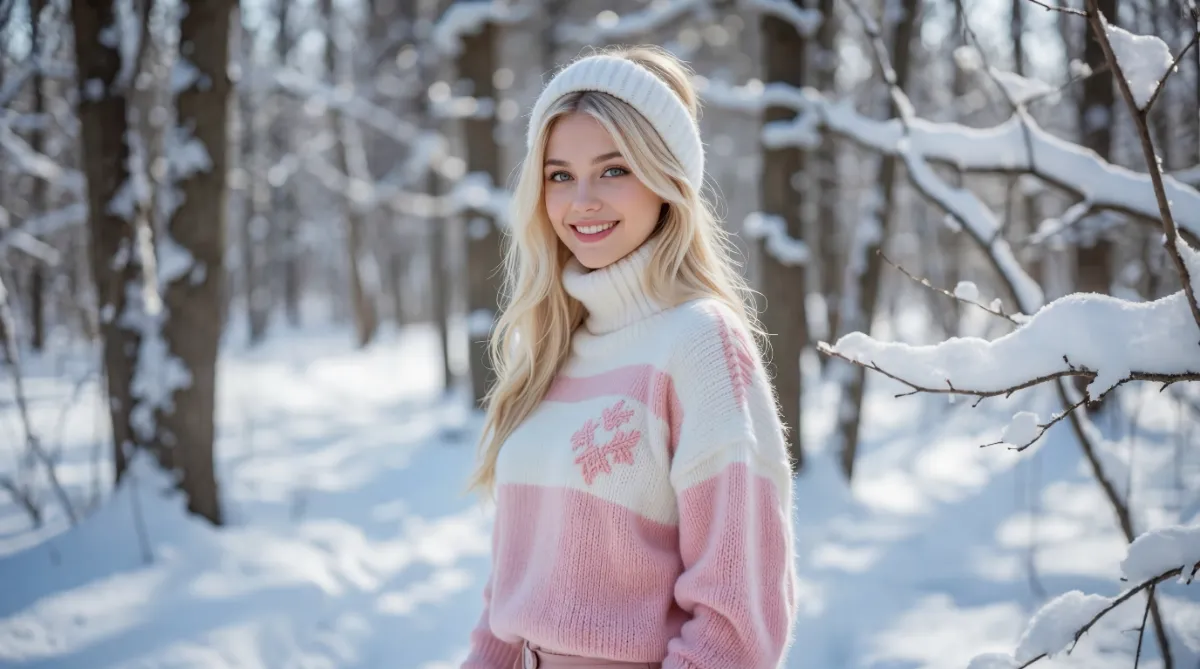
AI Photo to Sketch Converter Sample: Pencil Sketch before
AI Photo to Sketch Converter Sample: Pencil Sketch after

Photo to Sketch Converter With AI – Free Online, No Sign-Up

AI Photo to Sketch turns pictures into artistic drawings. Use this free online image to sketch converter for realistic pencil effects. No sign-up required.

Convert Photo to Sketch
Photo to Sketch Converter With AI – Free Online, No Sign-Up

What Is AI Photo to Sketch Converter?

AI Photo to Sketch Converter is an advanced online tool that uses artificial intelligence to transform digital photos into artistic pencil sketches. Unlike simple filters, our AI Photo to Sketch technology analyzes lines and shading to create authentic hand-drawn effects from portraits, pets, or landscapes instantly.

AI Photo to Sketch Converter – What Is AI Photo to Sketch Converter?

Why Choose AI Photo to Sketch Converter?

AI Photo to Sketch Converter delivers professional sketches in your browser instantly. Unlike complex software, it captures fine details and textures automatically. This tool is 100% free, offers high-quality downloads, and requires no sign-up.

AI Photo to Sketch Converter – Why Choose AI Photo to Sketch Converter?

Want Realistic Drawings Without Drawing Skills?

Many people love the look of pencil art but lack the skills to draw manually. Hiring an artist is costly, and learning Photoshop takes time. AI Photo to Sketch makes art accessible by letting you generate stunning sketches from your own photos automatically with just one click.

AI Photo to Sketch Converter – Want Realistic Drawings Without Drawing Skills?

What Makes AI Photo to Sketch Converter Stand Out?

Experience the best digital art transformation. Here is why users love AI Photo to Sketch Converter.

Real Pencil Sketch Look

AI Photo to Sketch creates pencil-style drawings with clear lines and soft shading. It keeps key facial features and textures natural, so sketches look hand-drawn instead of filtered.

One-Click, No Skills Needed

Upload a photo and click once to generate a sketch. AI Photo to Sketch works automatically and needs no drawing or editing skills, making it easy for beginners to use.

Free and Ready to Download

AI Photo to Sketch runs online and is free to use with no sign-up. You can download high-quality sketch images instantly for personal or creative use.

How to Use AI Photo to Sketch Converter

Turning photos into art is simple. Follow these 3 steps to use AI Photo to Sketch Converter.

AI Photo to Sketch Converter - Step 1: Upload Your Photo

Step 1: Upload Your Photo

Click the upload button to select a clear JPG or PNG image you want to convert. AI Photo to Sketch Converter works best with well-lit photos.

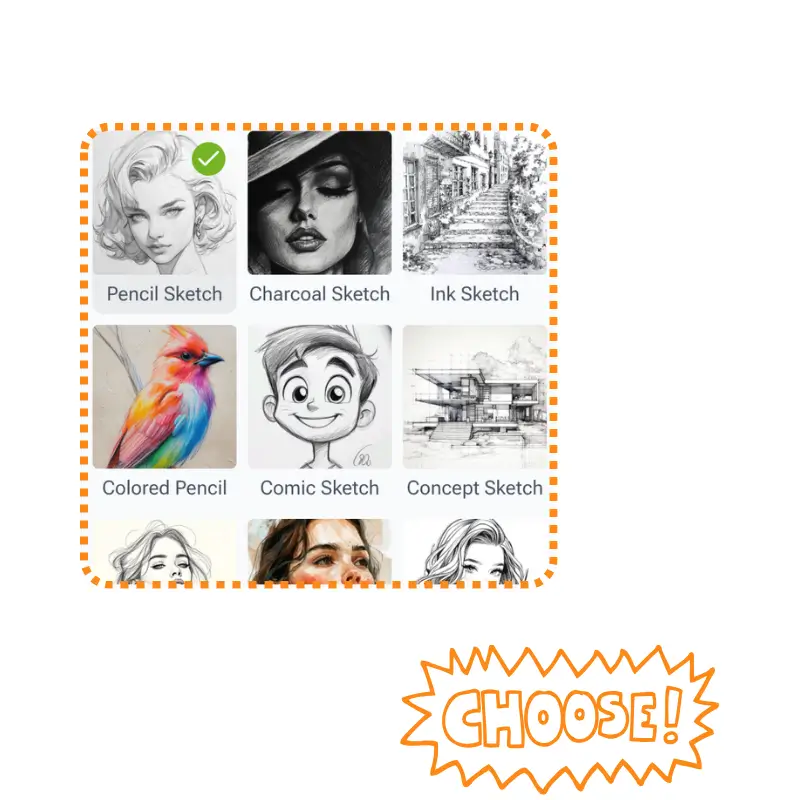
AI Photo to Sketch Converter - Step 2: Select Style & Generate

Step 2: Select Style & Generate

Choose your preferred artistic style. The AI Photo to Sketch engine will automatically analyze the image and generate the drawing effect instantly.

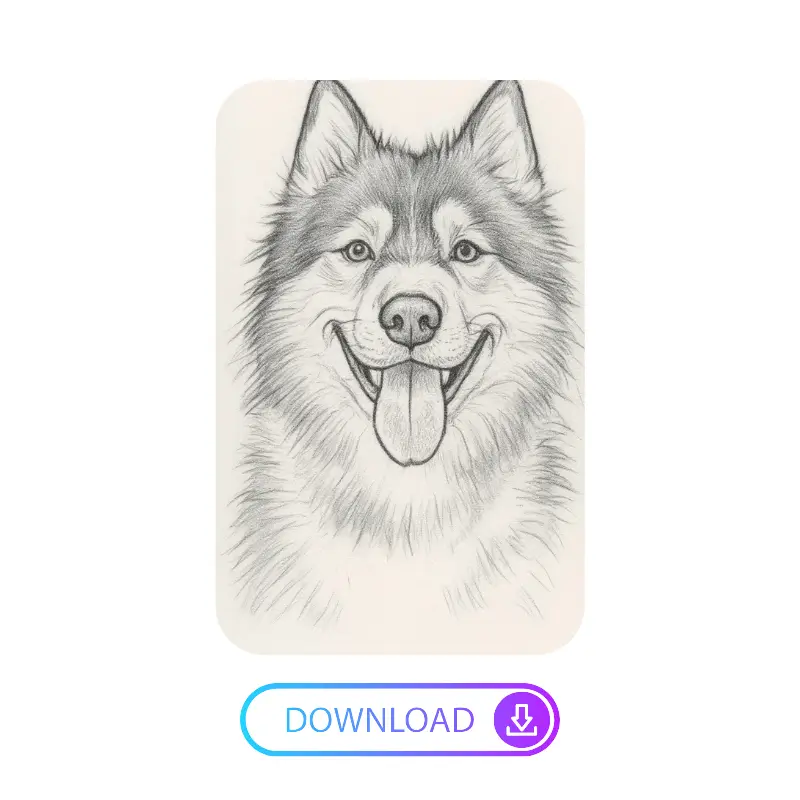
AI Photo to Sketch Converter - Step 3: Download Sketch

Step 3: Download Sketch

Preview the result. Once satisfied, click “Download” to save your high-quality pencil sketch to your device instantly.

Start Using AI Photo to Sketch Converter Now

Don't let your photos sit in your gallery. Turn them into timeless pencil drawings with AI Photo to Sketch Converter. Fast, easy, and no login required.

Create Sketch for Free

What Users Say About AI Photo to Sketch Converter

M. J. avatar

M. J.

Art Blogger

I had been searching for a reliable AI Photo to Sketch tool for my art blog, but most free options were slow or low quality. AI Photo to Sketch Converter surprised me. I uploaded a landscape photo, chose a classic pencil style, and got a sketch with natural shading and hand-drawn detail. It helps me test visual ideas quickly without using Photoshop or complex software.
L. K. avatar

L. K.

Pet Owner

I wanted to turn my dog’s photo into a sketch for a custom gift and found AI Photo to Sketch Converter. Since it requires no sign-up, I tried it right away. The process was smooth, and the style options were clear. The AI captured fur texture well, and the high-quality download was fast. This is a very practical free AI Photo to Sketch tool.

D. R. avatar

D. R.

Interior Designer

As an interior designer, I often need quick sketch visuals from room photos. AI Photo to Sketch Converter saves me a lot of time. I upload a photo, select a clean sketch style, and get a clear drawing in seconds. The AI Photo to Sketch engine handles lines and perspective accurately, making it useful for early client presentations.

S. T. avatar

S. T.

Content Creator

I use AI Photo to Sketch Converter to create artistic profile images for social media. I wanted something more creative than basic filters. The sketch styles look natural and realistic. When I shared the result, people thought it was drawn by hand. Being free and private makes this AI Photo to Sketch tool easy to use anytime.

A. N. avatar

A. N.

Photographer

I am a photographer and like offering clients creative extras. AI Photo to Sketch Converter helps me add sketch-style versions of portraits. The results feel detailed, not flat or artificial. It simulates pencil strokes instead of just removing color. The style selection is flexible, and clients enjoy the added artistic touch.

C. W. avatar

C. W.

Filmmaker

I needed storyboard-style sketches for a short film but had no budget for an artist. AI Photo to Sketch Converter solved this problem. I uploaded photos of locations and actors, chose one style, and generated consistent sketches fast. The AI Photo to Sketch output is clean and professional enough for presentations.

FAQs About AI Photo to Sketch Converter