Images

(0/1)
Support jpg/jpeg/png/webp, up to 16MB

Upscale To

Free AI Image Upscaler

Upscale images to 6K in seconds. Enhance photo quality online for free, no login required.

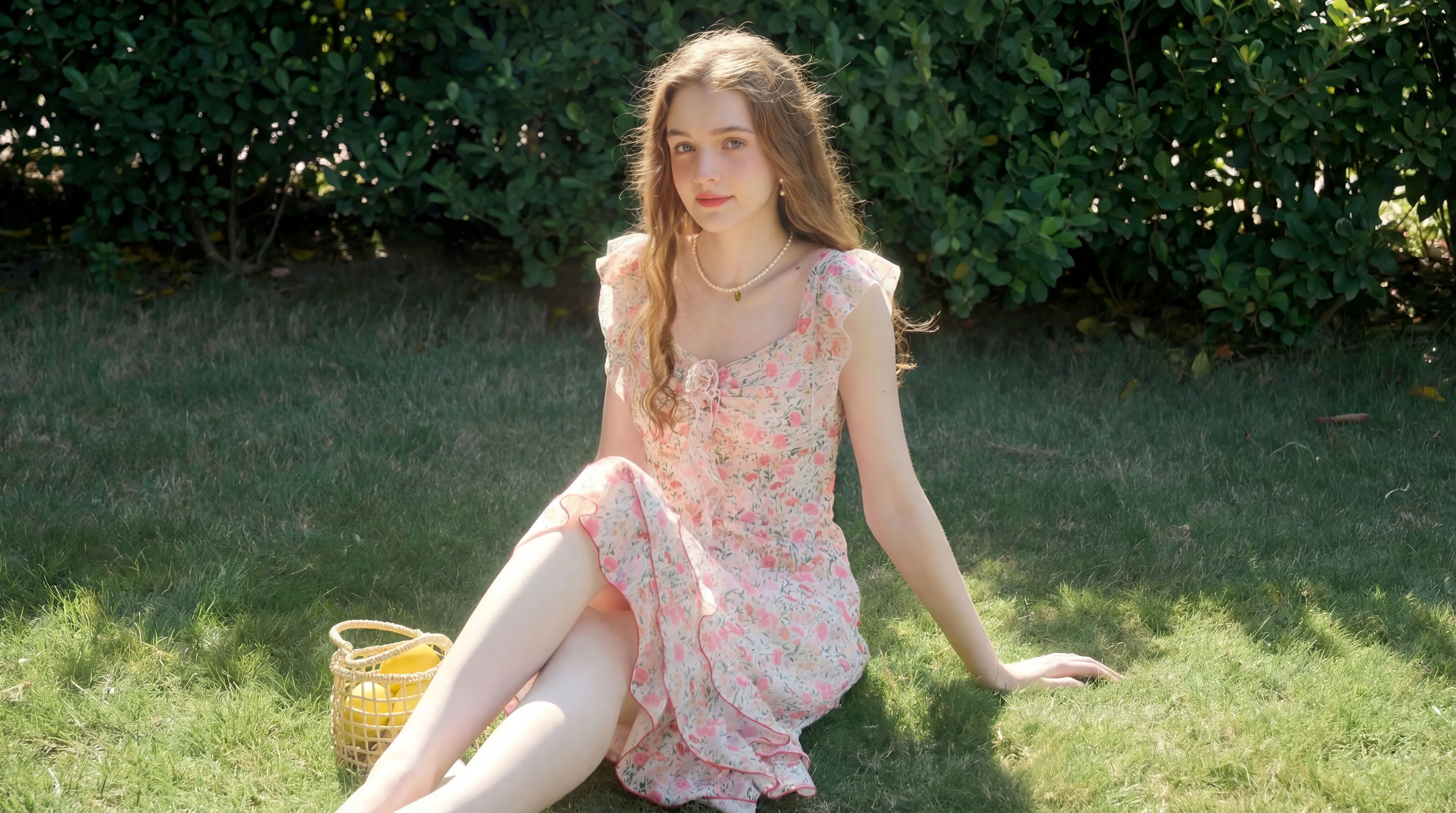
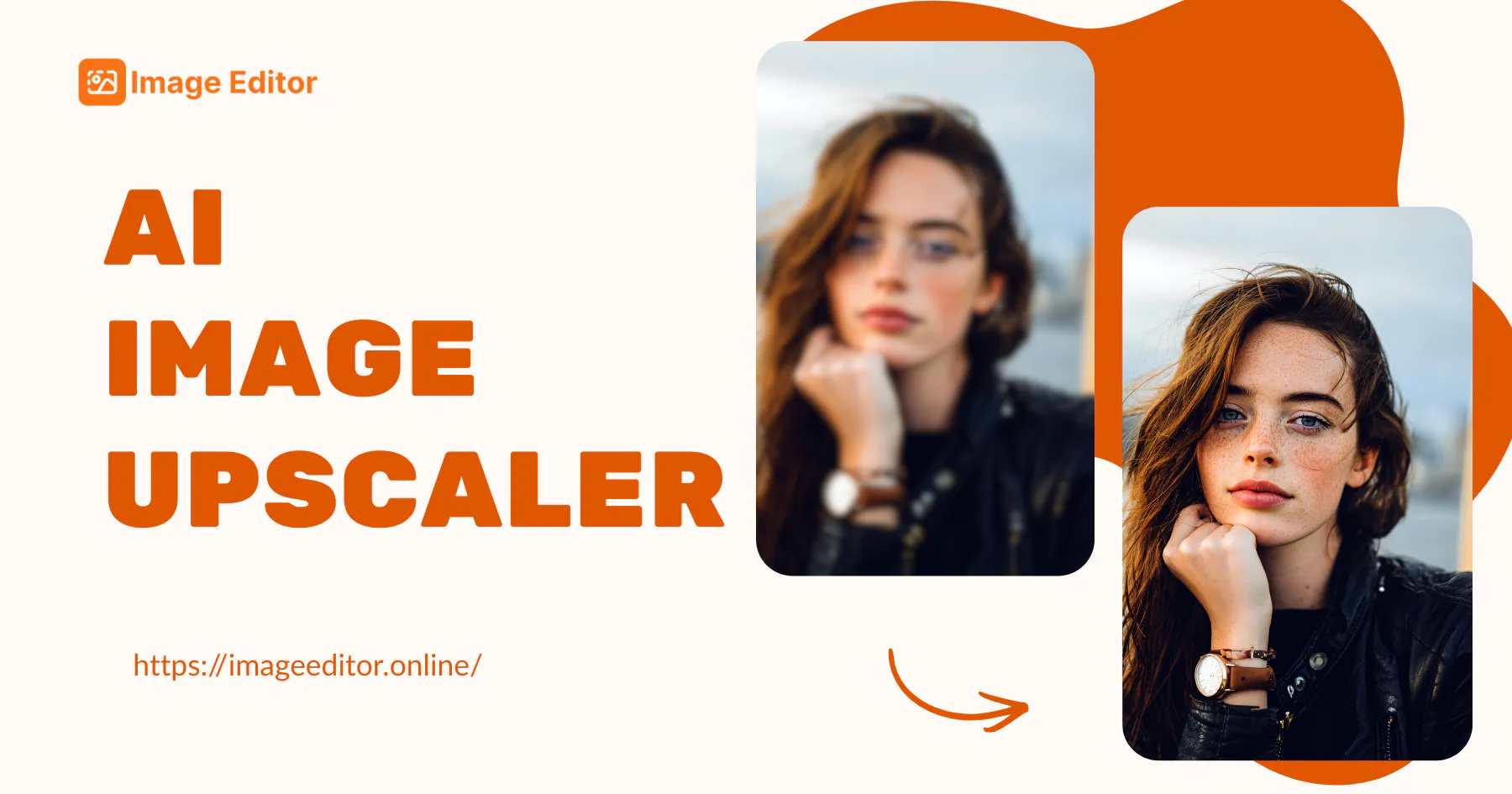
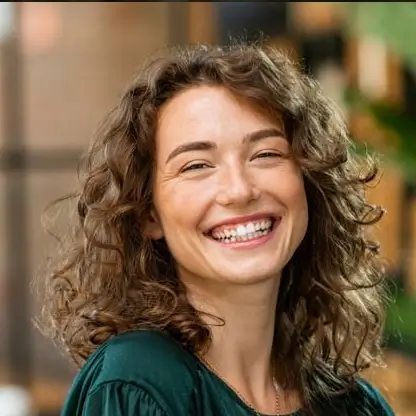
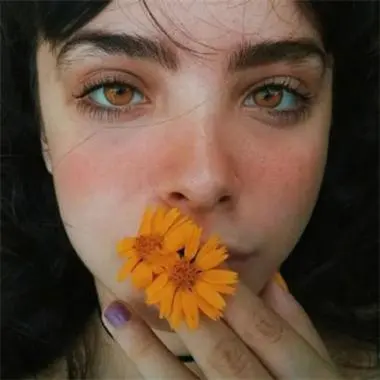
AI Image Upscaler Sample: Portrait after
AI Image Upscaler Sample: Portrait before
AI Image Upscaler Sample: Portrait after

Al Image Upscaler - Free Upscale Photo Quality to 6K Online

AI Image Upscaler enhances photo quality instantly. Upscale low-res images to high resolution without losing details. Free online tool, no login needed.

Upscale to 6K Now
Al Image Upscaler - Free Upscale Photo Quality to 6K Online

What Is AI Image Upscaler?

AI Image Upscaler is a powerful tool designed to increase photo resolution up to 6k. It uses advanced algorithms to fill in missing pixels, turning small, blurry images into sharp visuals. Whether for printing or web display, this image upscaler online delivers professional results instantly.

What Is AI Image Upscaler?

Why AI Image Upscaler is Recommended?

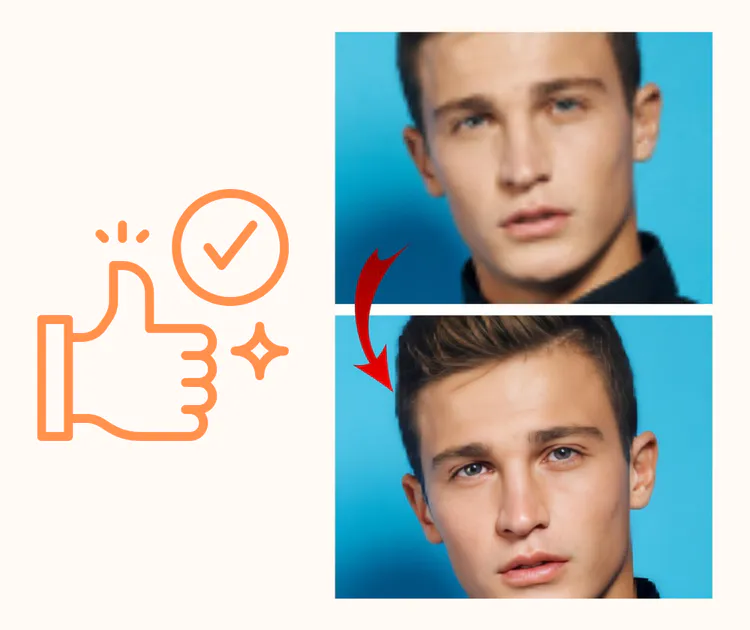
Traditional resizing pixelates images, but our free image upscaler works differently. It intelligently reconstructs details, ensuring lines remain crisp and textures look natural. It is the best solution to enlarge image files directly in your browser without installing heavy editing software.

Why AI Image Upscaler is Recommended?

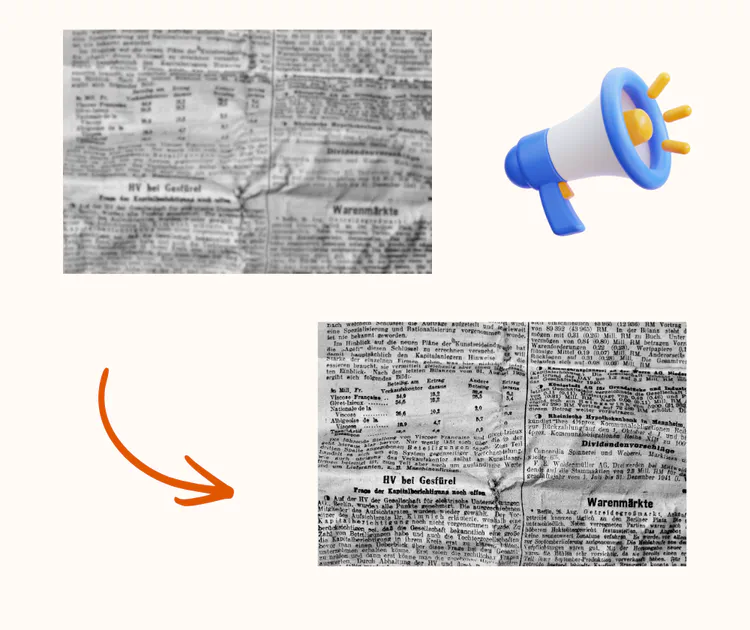
Fix Blurry Photos Instantly

Got a perfect shot that is too small or grainy? Zooming in only makes it worse. The AI Image Upscaler solves this by restoring lost details. Stop settling for pixelated graphics. Use our technology to increase resolution online and breathe new life into your low-quality photos effortlessly.

Fix Blurry Photos Instantly

Key Features of AI Upscaler

Explore the powerful features that make our free image upscaler the best choice for enhancing your photos online effortlessly.

Upscale up to 6k

Push the limits of clarity. Our ai image upscaler allows you to enlarge photos to 6k resolution. It analyzes pixel context to maintain sharpness, removing noise and preventing artifacts even at high zoom levels.

Automatic Enhancement

Beyond resizing, it acts as a photo enhancer. The tool automatically adjusts contrast and color balance during the upscaling process to ensure the final output looks vibrant, clear, and professionally retouched.

100% Free & Private

Upscale without limits. We provide this free image upscaler service at no cost. No account is required, and all uploaded files are automatically deleted after processing to ensure your complete privacy.

How to Upscale Images Online

Follow these simple steps to effortlessly increase resolution online and turn your low-quality photos into 6K masterpieces.

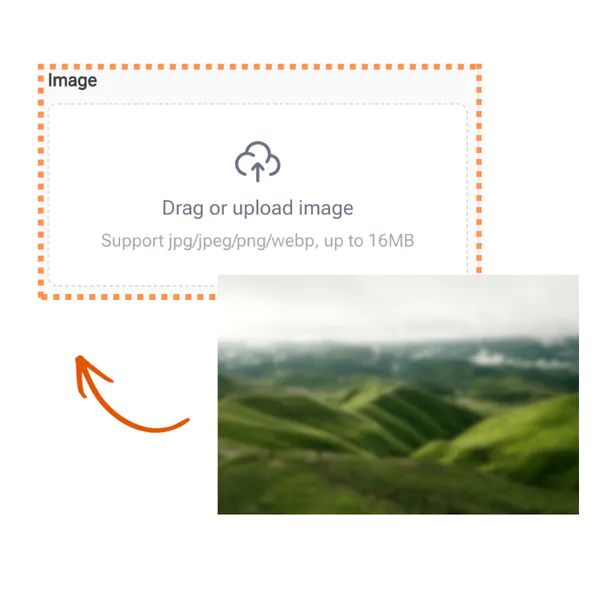
AI Image Upscaler - Step 1: Upload Photo

Step 1: Upload Photo

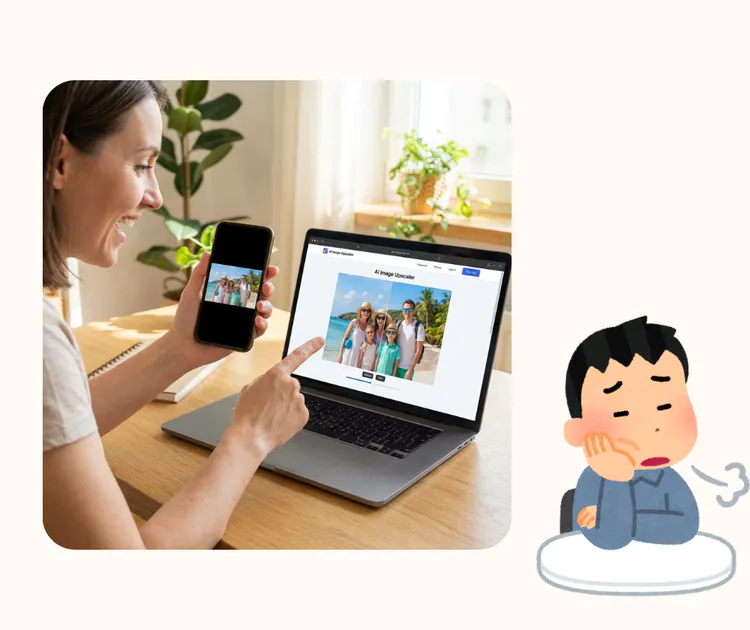
Open the <a class="text-blue-500" href="/image-upscaler">AI Image Upscaler</a>. Drag and drop your low-resolution image (JPG, PNG) into the box. The tool works best with clear subjects but can handle various types of photos and graphics effectively.

AI Image Upscaler - Step 2: Process Image

Step 2: Process Image

Click "Start." The AI engine will scan the image and begin the increase resolution online process. It calculates the best way to add pixels to sharpen edges and refine textures up to 6k quality.

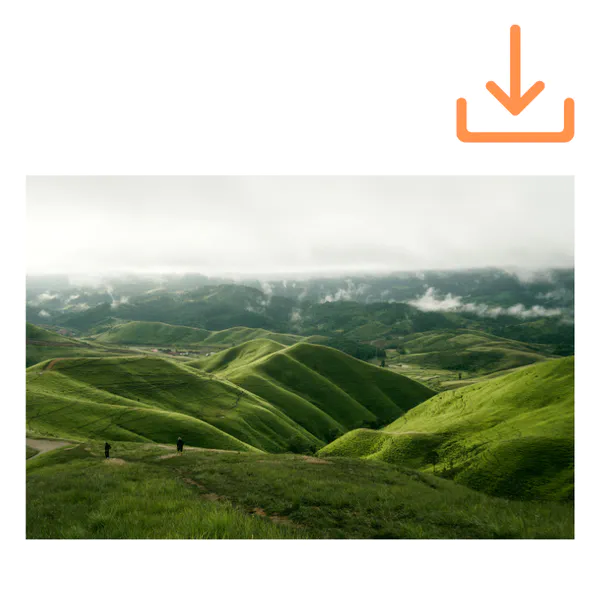
AI Image Upscaler - Step 3: Download

Step 3: Download

Preview the result. Compare the "Before" and "After" to see the massive improvement. Click "Download" to save your high-resolution image. Use it for large prints, web design, or social media posts.

Enhance Your Photos to 6k

Don't let low resolution ruin your work. Use AI Image Upscaler to make pictures sharp and clear. Free, fast, and no login.

Start Upscaling

What People Say About AI Image Upscaler

M. J. avatar

M. J.

Marketing Specialist

I needed a quick way to fix a small photo for a client deck, and AI Image Upscaler worked better than I expected. The result looked clean, with sharper edges and fewer rough pixels. I also like that this image upscaler online runs in the browser, so I did not install anything. It helped me enlarge image files fast and keep the design looking professional.

L. K. avatar

L. K.

Online Seller

I sell on marketplaces and my product shots were not big enough for zoom. With AI Image Upscaler, I could increase resolution online and make details easier to see. The upgraded images looked more trustworthy, and the process felt simple even for a non designer. This free image upscaler saved me time when I had many listings to update in one evening.

D. R. avatar

D. R.

Hobby Photographer

I often receive old photos from family chats that look blurry on modern screens. This ai image upscaler gave them a clearer look without making faces strange. The output was smoother, and the background kept a natural feel. I like that the image upscaler online is easy to use and finishes quickly, so I can enlarge image memories for sharing and printing.

S. T. avatar

S. T.

College Student

For class projects, I sometimes only have low quality images from slides or PDFs. AI Image Upscaler helped me increase resolution online so charts and text became easier to read. It did not create harsh noise, and the overall image stayed balanced. As a free image upscaler, it is a great option when you need results fast and you do not have editing skills.

A. N. avatar

A. N.

UI Designer

I work with icons and small assets that clients provide in the wrong size. This image upscaler online makes it easier to enlarge image elements for layouts and mockups. AI Image Upscaler keeps lines more stable than basic resizing, which helps my exports look cleaner. It also fits my workflow because I can run it quickly between tasks.

C. W. avatar

C. W.

Digital Artist

I create digital art and sometimes start from a small canvas for speed. Using AI Image Upscaler, I can upscale the final piece and still keep textures looking natural. The ai image upscaler does a solid job when I need to enlarge image work for posters or social posts. It is also helpful that I can increase resolution online and download the file right away.

FAQs for Using AI Image Upscaler Online